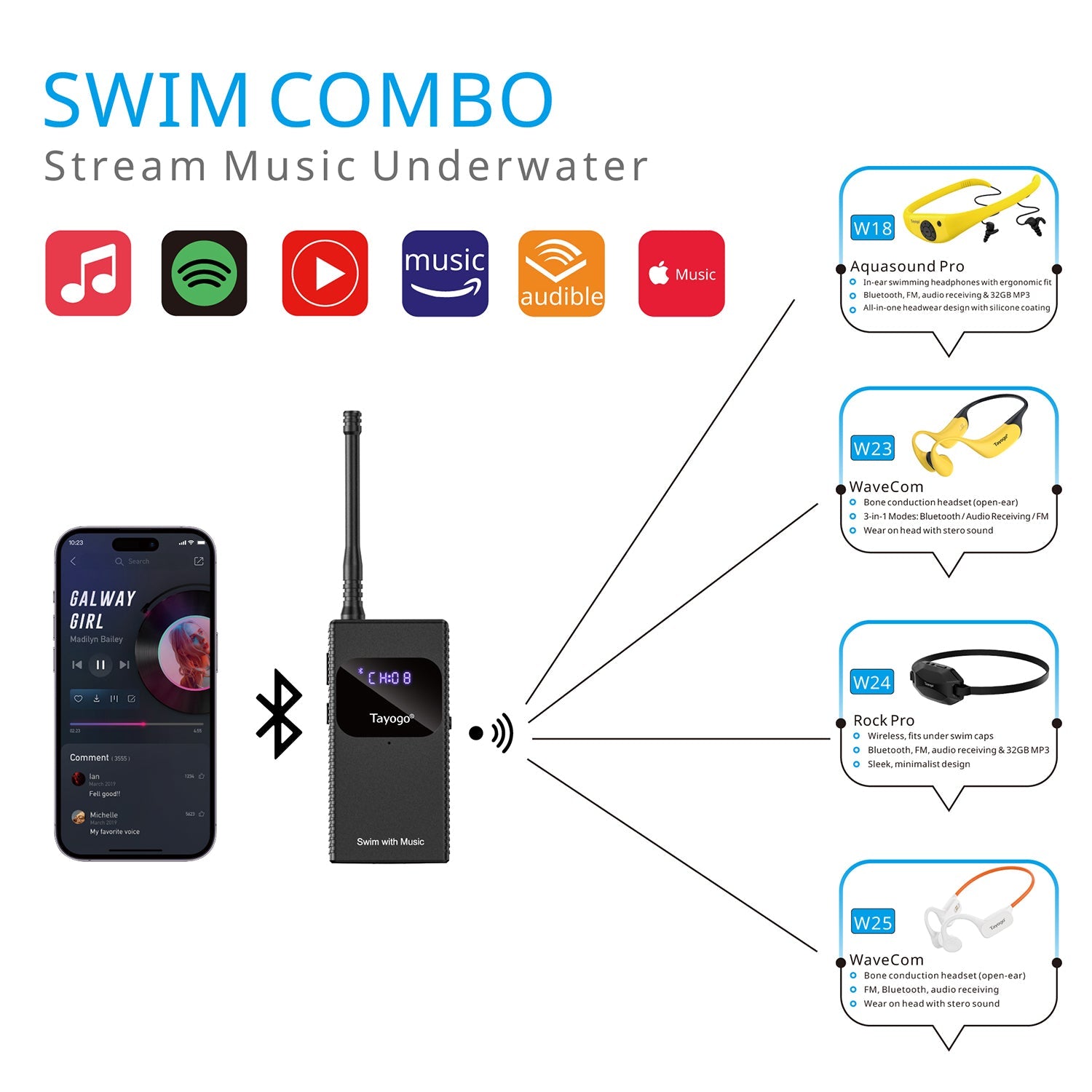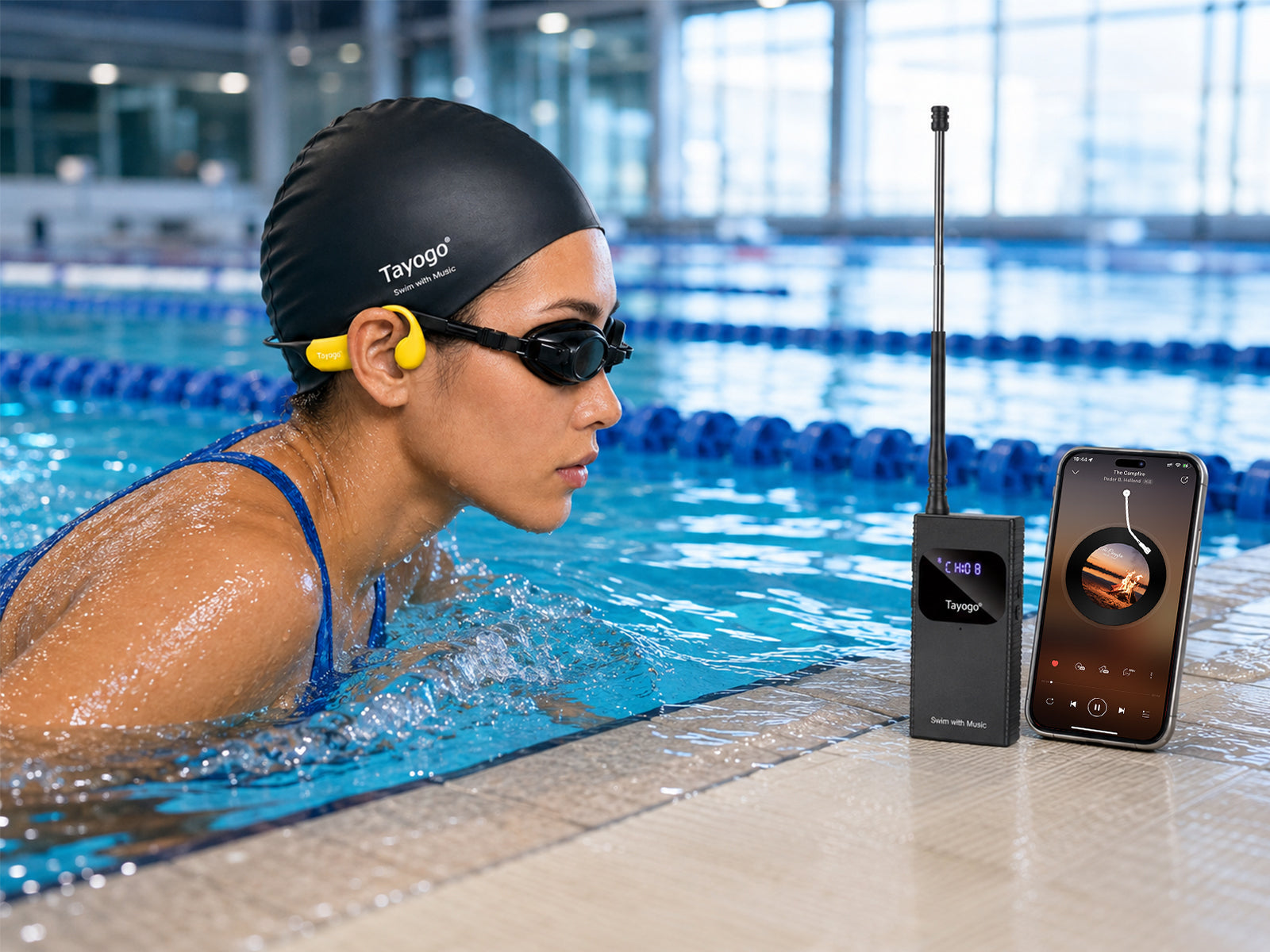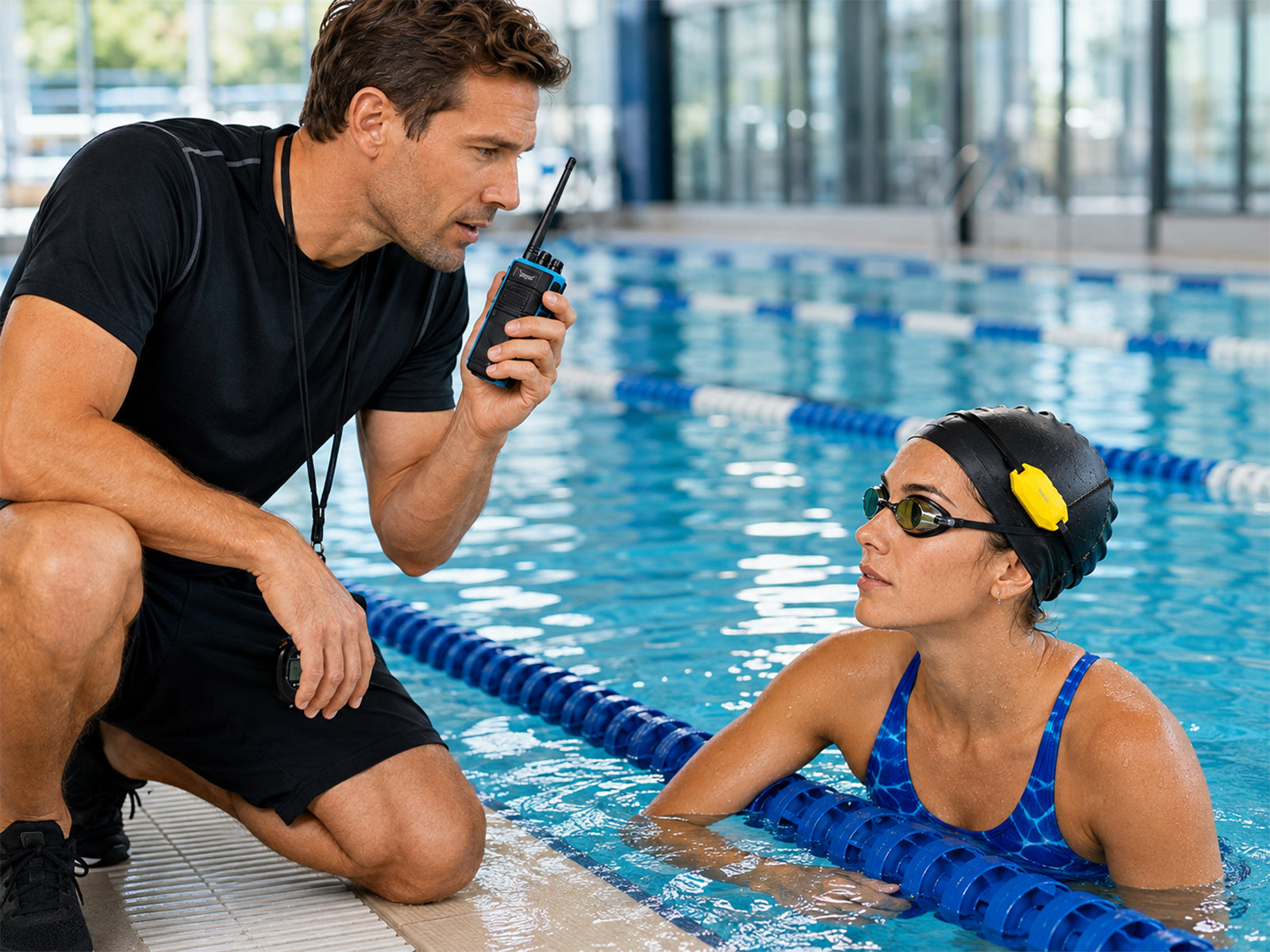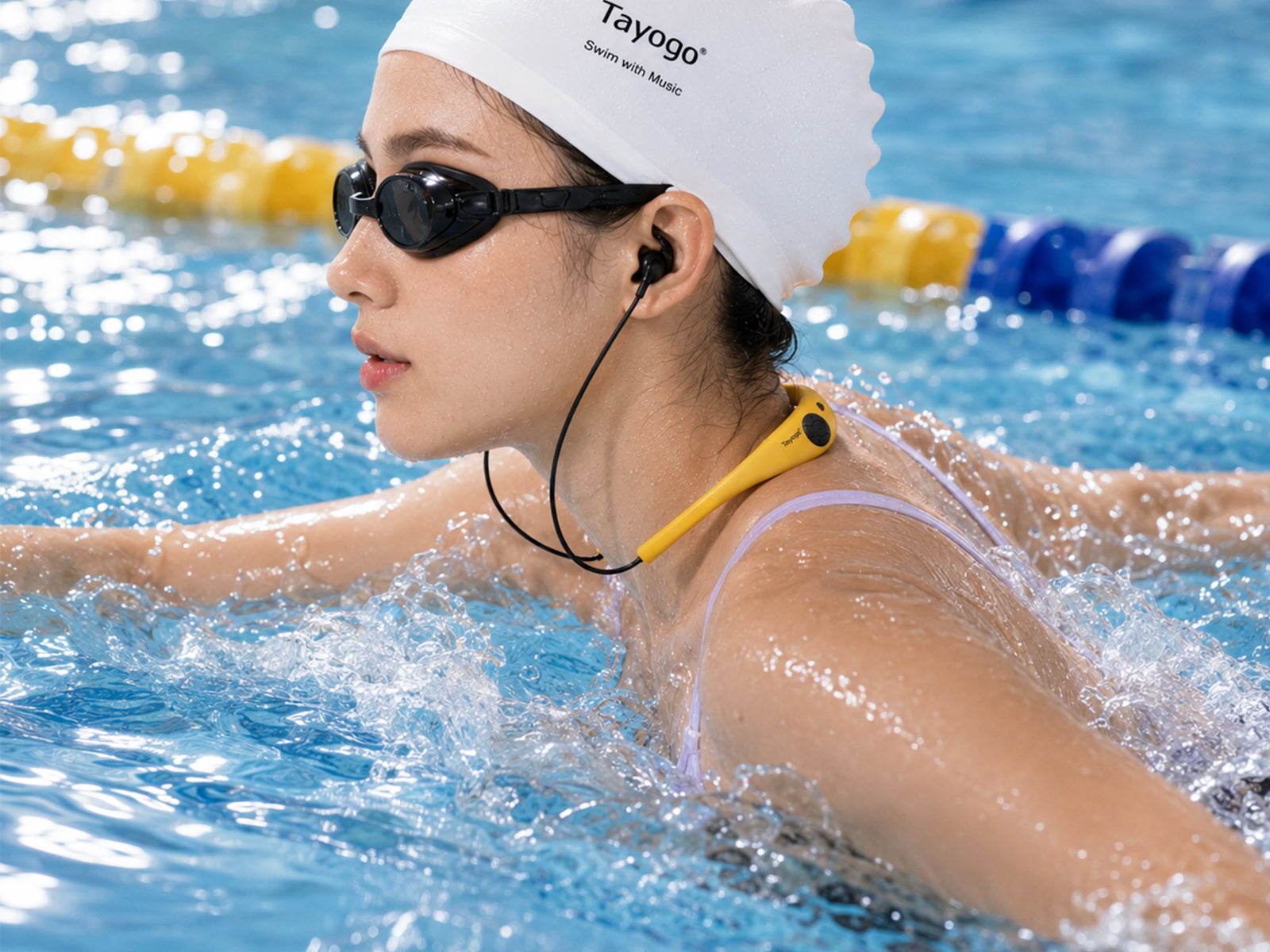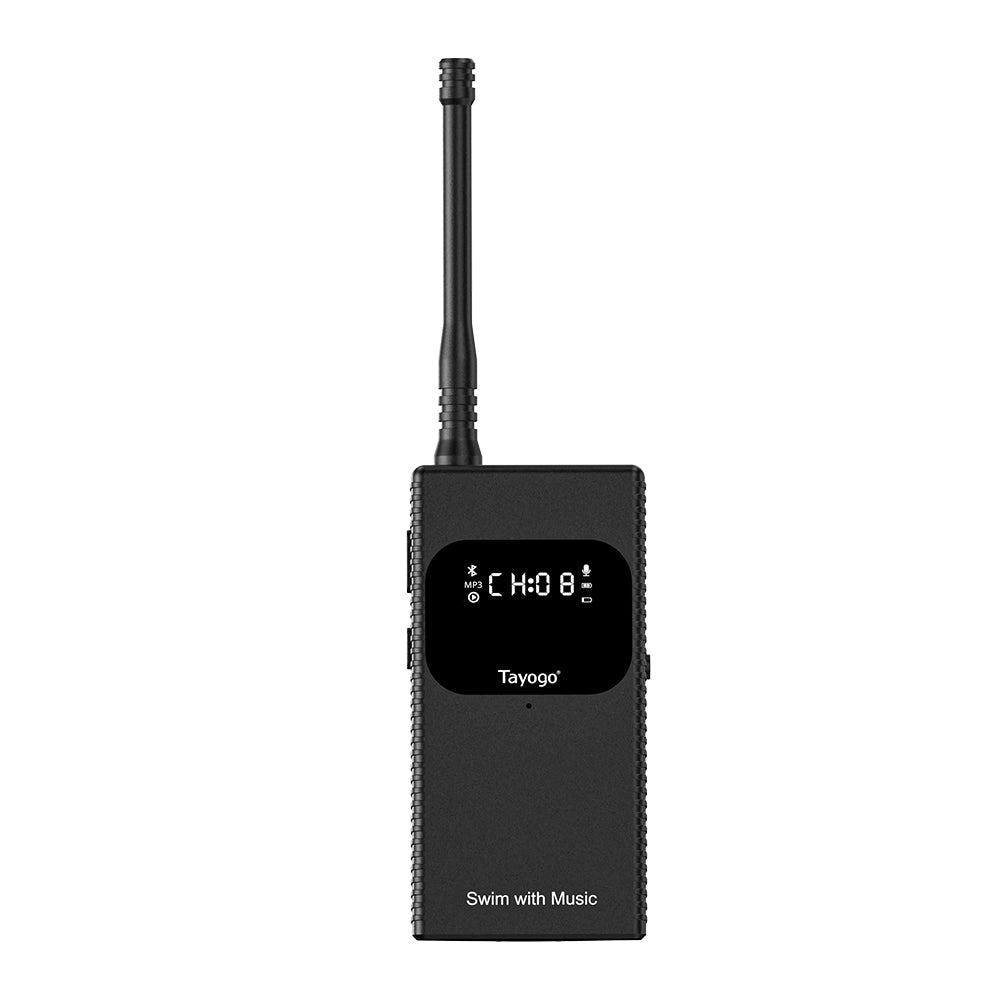
The Tayogo T6 lets swimmers hear live phone audio or coach instructions through compatible waterproof receiving headphones. Correct setup is important because the phone does not connect directly to a submerged headset.
Before you start
- Charge the T6 and receiving headset fully.
- Keep the T6 dry; it is not a waterproof device.
- Fully extend the telescopic antenna. This improves signal strength and helps reduce static noise.
- Confirm that your receiver supports Tayogo T6 receiving mode.
Step 1: Connect your phone to T6
- Turn on the T6.
- Open Bluetooth settings on your phone.
- Select the T6 and complete pairing.
- Play a song, podcast or audiobook to confirm that the phone is sending audio.
Your phone can play Spotify, Audible, Amazon Music, YouTube or other audio apps. Keep the phone dry and within normal Bluetooth range of the T6.
Step 2: Match the FM channel
The T6 and swimming receiver must be on the same channel. The default is Channel 1. If you change the channel on the T6, change the receiver to match it.
The T6 provides 16 channels. If you hear static or interference, move both devices to another channel. Channels 12–14 can provide stronger transmission performance in suitable environments.
Step 3: Position the transmitter correctly
- Place the T6 higher than the water surface.
- Keep the antenna fully extended and vertical. A collapsed antenna weakens the signal and can increase static noise.
- Avoid placing it behind metal objects, thick walls or large equipment.
- Move it closer to the swimming lane if the signal becomes weak.
The stated range of up to 150 meters applies to suitable open-air conditions. Actual pool and underwater performance depends on placement, interference, obstacles and water conditions.
Step 4: Adjust the sound
For music streaming, increase the phone volume and adjust the receiver to a comfortable level. For coaching, use the external microphone when required and speak clearly at a consistent distance from it.
Bone-conduction users should wear the supplied waterproof earplugs during swimming to reduce water noise. If the sound feels quiet, adjust the transducers closer to the ear openings.
Troubleshooting
- No audio: confirm phone pairing and channel matching.
- Static noise: first fully extend the T6 antenna and position it vertically. Then move away from interference or change both devices to another channel.
- Short range: fully extend the antenna and place the T6 higher with a clearer path.
- Low volume: raise phone output, reposition the headset and check the receiver volume.
- T6 feels warm: some warmth during operation is normal; keep it ventilated and dry.
Compatible current systems
For music streaming, compare T6 + W18, W23, W24 and W25 Swim Music Combos. For coach packages, visit the Swim Coach Communicator collection.