PRODUCT GUIDES & SUPPORT · W18 / TAYOGO APP
You have your favorite swimming tracks stored on your W18. Some suit a steady lap session; others are the songs you want when it is time to pick up the pace. Being able to organize them before you get into the pool makes that music collection more useful.
Compatible Tayogo W18 4-in-1 headphones can now be upgraded to work with the new Tayogo app. The update gives existing owners a way to manage stored music through playlists and access supported playback and sound controls from their phone.

Make your music collection work for your swim
A playlist gives the songs on your headphones a little structure. You might put your regular swimming favorites together, or create a separate selection for a more relaxed session. With the new Tayogo app, compatible W18 owners can create and manage playlists for the music stored on their headphones.
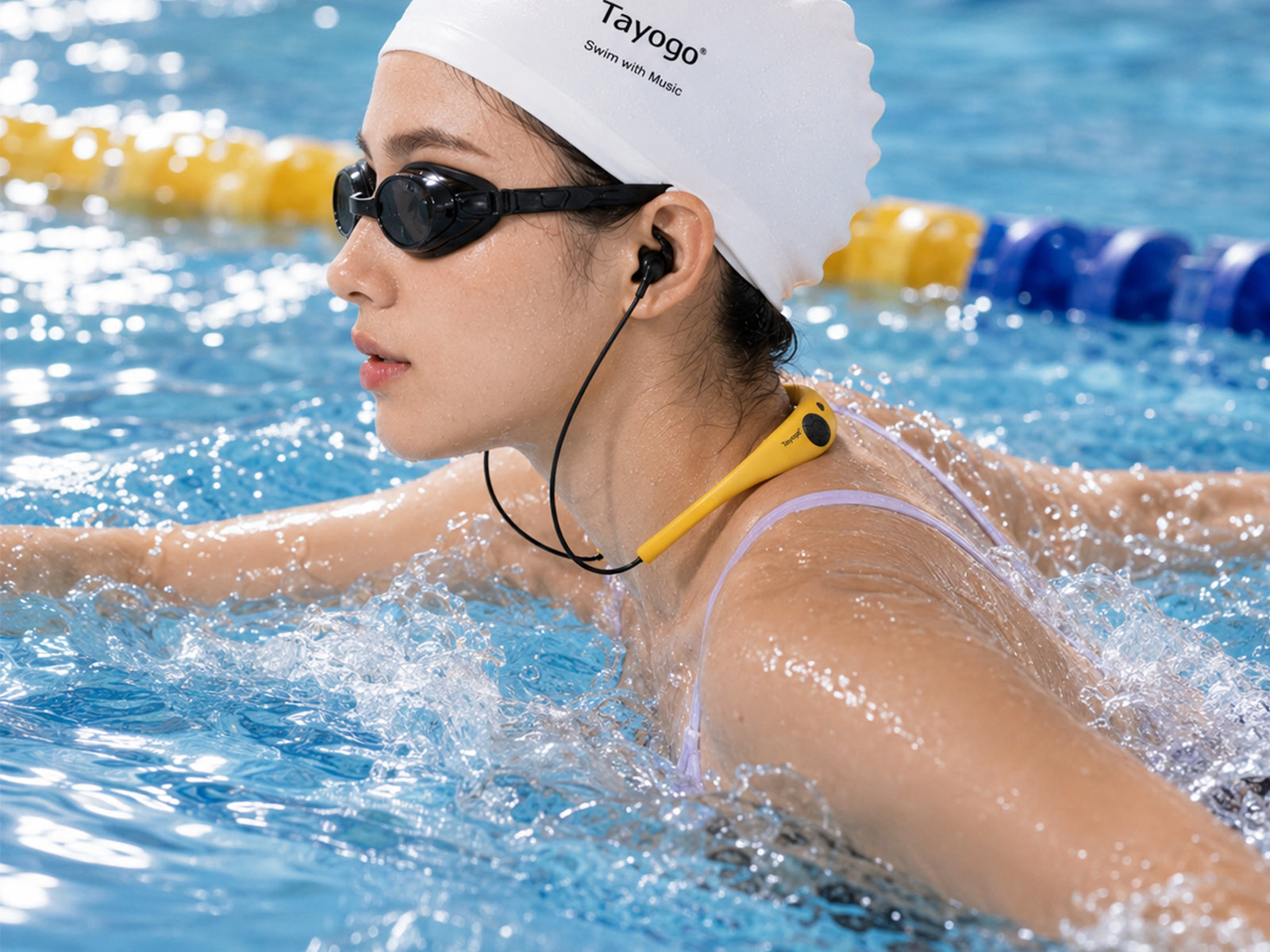
Prepare your selection on your phone before swimming, then use W18’s local music mode to listen from its built-in storage. The phone does not need to stream those stored tracks into the water.
The app manages your existing music files; it does not provide songs or download music from streaming services.
Bring your W18 controls onto your phone
The app also puts supported playback, volume and EQ controls in one place. You can prepare your listening settings before getting into the pool and check device information without relying only on the headphone buttons. Available controls depend on your model, mode and firmware.

How to get the update
Start with our dedicated W18 4-in-1 upgrade page. It contains the firmware download, detailed English instructions and official app download links.
This package is for compatible W18 4-in-1 headphones only, not W18 3-in-1 or other Tayogo models. If you are unsure which version you own, contact cs@tayogo.com before installing it.
The update uses a computer and a compatible USB data cable. Fully charge your headphones, dry the cable contacts and back up your music before you begin. Follow the guide through to completion, including removing update.ufw afterward to prevent repeated upgrades.
Open the firmware download & upgrade guide →
After upgrading, install or update Tayogo from the App Store or Google Play. Turn on Bluetooth, allow the required Bluetooth/Nearby devices permission, and add W18 in the app.
Prefer phone audio without copying music? Add T6.
Stored playlists are convenient when you want an independent player. But some days, you may prefer a podcast, audiobook or playlist already playing on your phone.
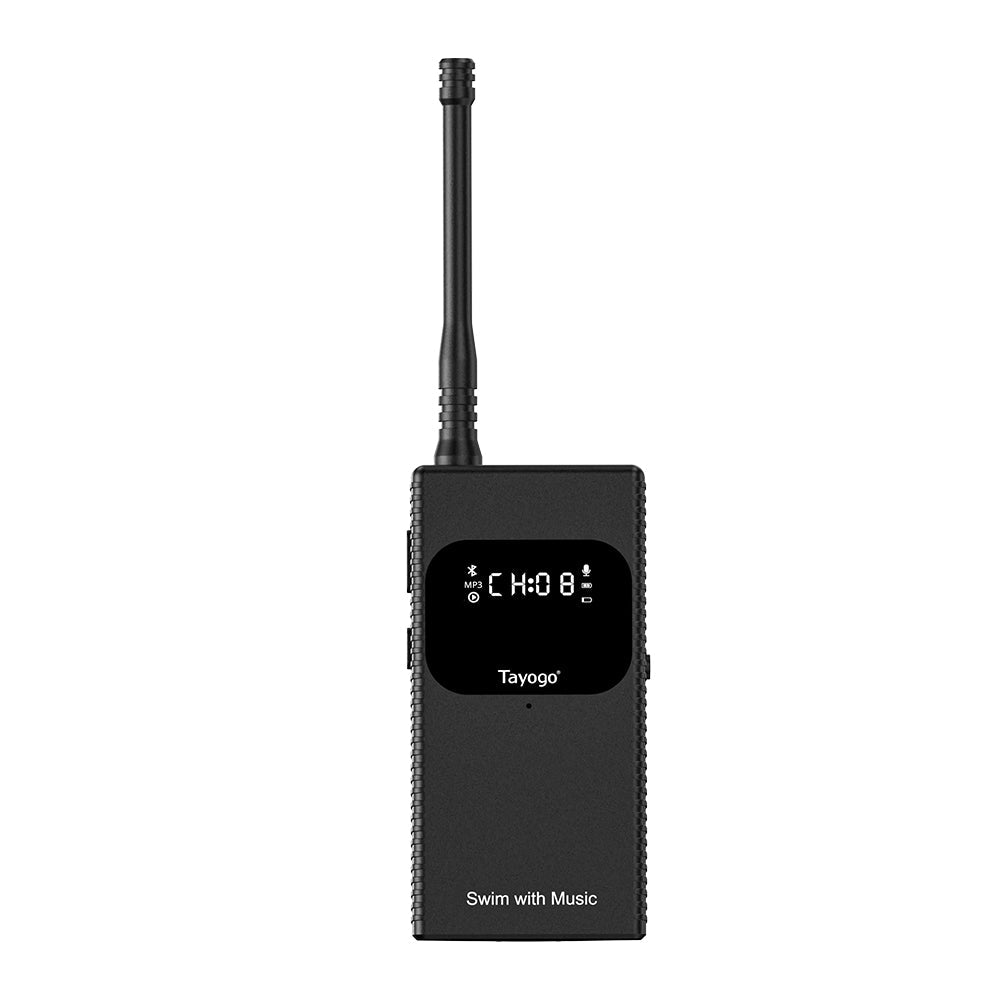
If you already own a compatible W18, you can add a Tayogo T6 transmitter to listen to phone audio while swimming without transferring tracks to the headphones.

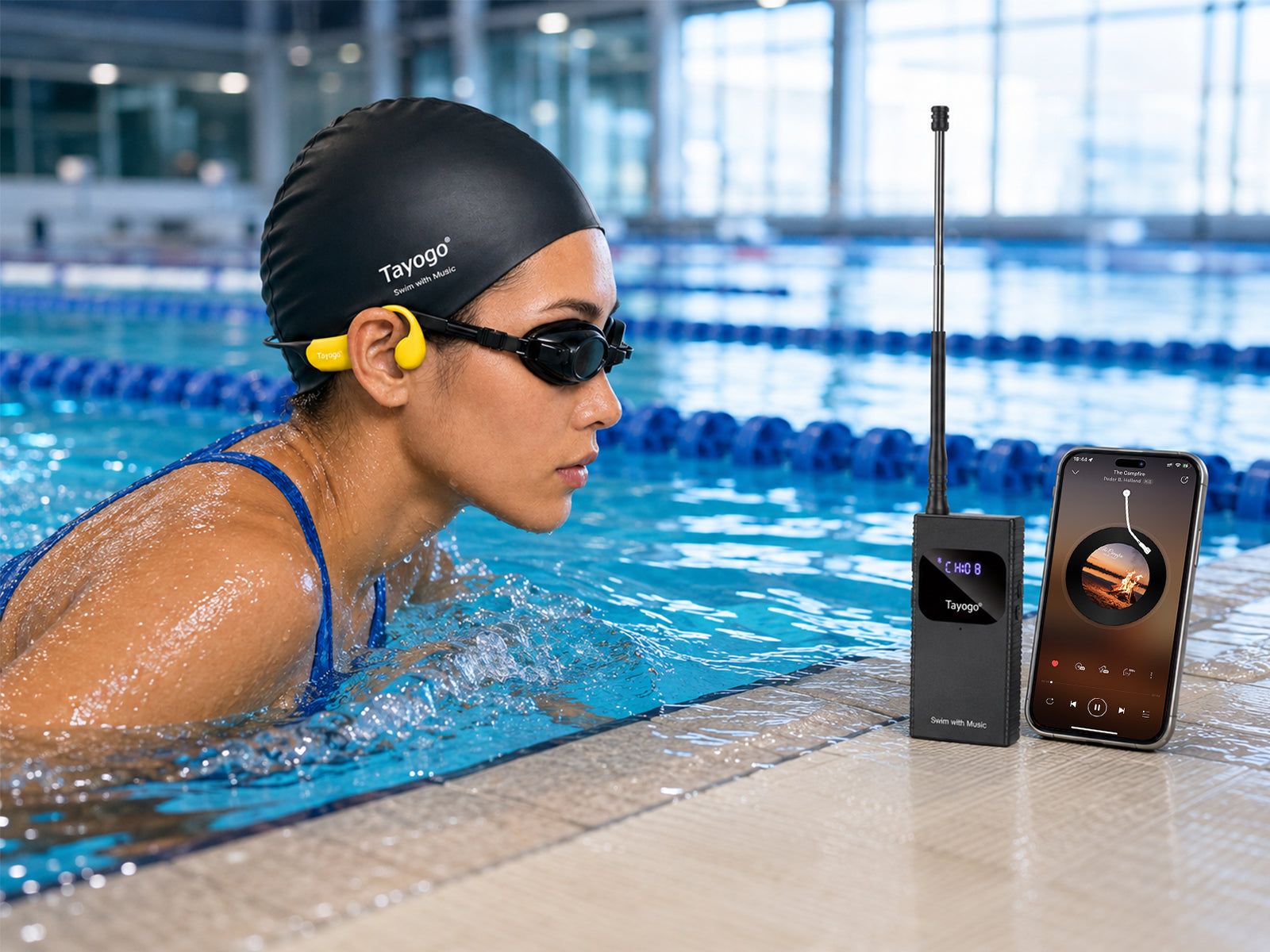
Your phone sends Bluetooth audio to T6 beside the pool. T6 then transmits it to W18 in receiver mode. Set the headphones and transmitter to the same channel and start playback on your phone.
Keep your phone and T6 above water, and keep T6 dry. Ordinary direct Bluetooth from a phone to headphones does not work reliably underwater; T6 provides the transmission link in this setup. T6 is sold separately.
For more about this setup, read How to Listen to Spotify While Swimming.
Tell us about your first swim with the new app
Once you have updated your W18, we would love to hear how it fits into your routine. Was creating a playlist straightforward? Which controls do you use most? Is there something you would like us to improve?
Send your experience and suggestions to cs@tayogo.com. Your feedback helps us understand what matters to the people swimming with Tayogo every day.