Tayogo Support
Swimming Headphones & Coach System FAQ
Clear answers for underwater audio, Spotify streaming, T6 setup, product selection, coaching systems and warranty support.
Product Help
Frequently Asked Questions
Select a question below. For order-specific help, email cs@tayogo.com.
Instruction ManualsBluetooth signals do not travel reliably through water. For underwater listening, use built-in MP3 playback or a compatible Tayogo receiving headphone with the T6 transmitter.
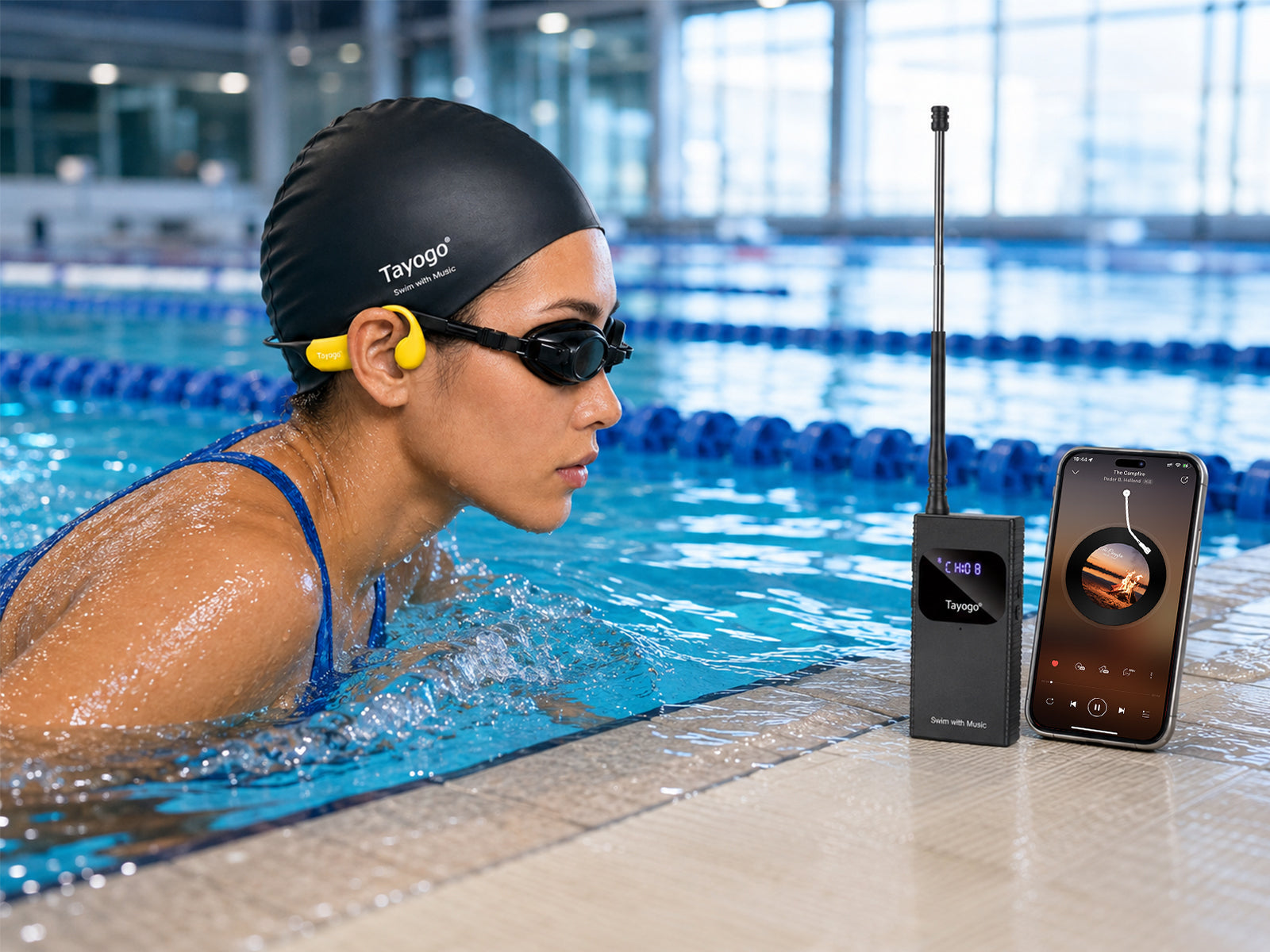
Use a Tayogo Stream Swim Combo. Your phone connects to the T6 above water, and T6 sends the live audio by FM to compatible Tayogo swimming headphones in Receiving Mode. Compare Swim Combos.
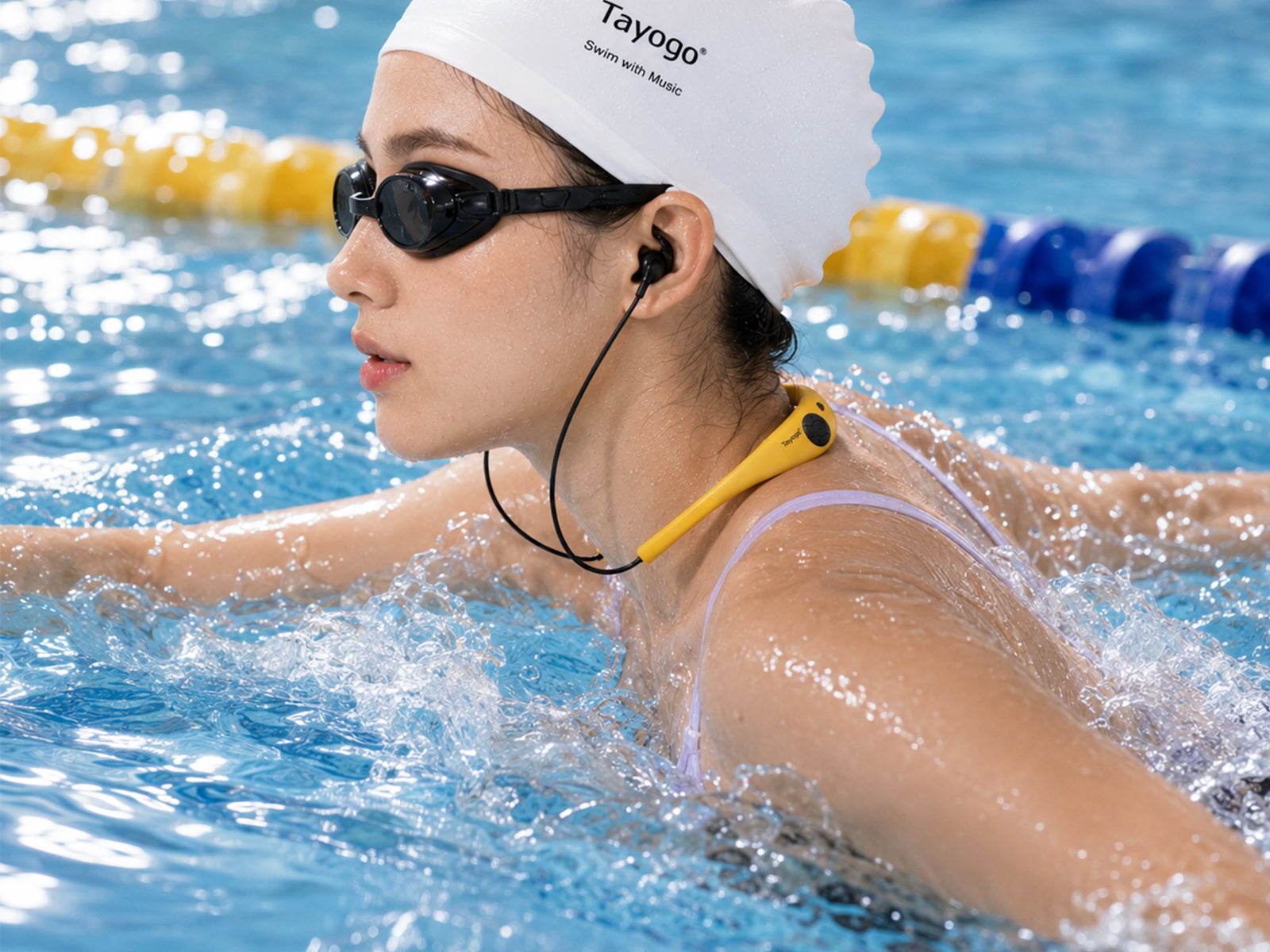
Choose T6 + W18 for secure in-ear HiFi sound, T6 + W23 for a secure silicone-neckband bone-conduction fit, T6 + W24 for three wearing options, or T6 + W25 for a lightweight open-ear design.
No. Swim Combo receiver versions are designed for live streaming through T6 and do not include built-in memory. W18 and W24 standalone models include 32GB MP3 storage.
MP3 Mode plays files stored on compatible standalone headphones. Receiving Mode receives live audio from a compatible Tayogo transmitter such as T6.
No. Keep T6 dry. Fully extend its antenna and place it in an elevated, open position near the pool for the best reception.
In suitable open conditions, T6 can transmit up to approximately 150 meters above water. Underwater reception depends on depth, body position, pool conditions and transmitter placement.
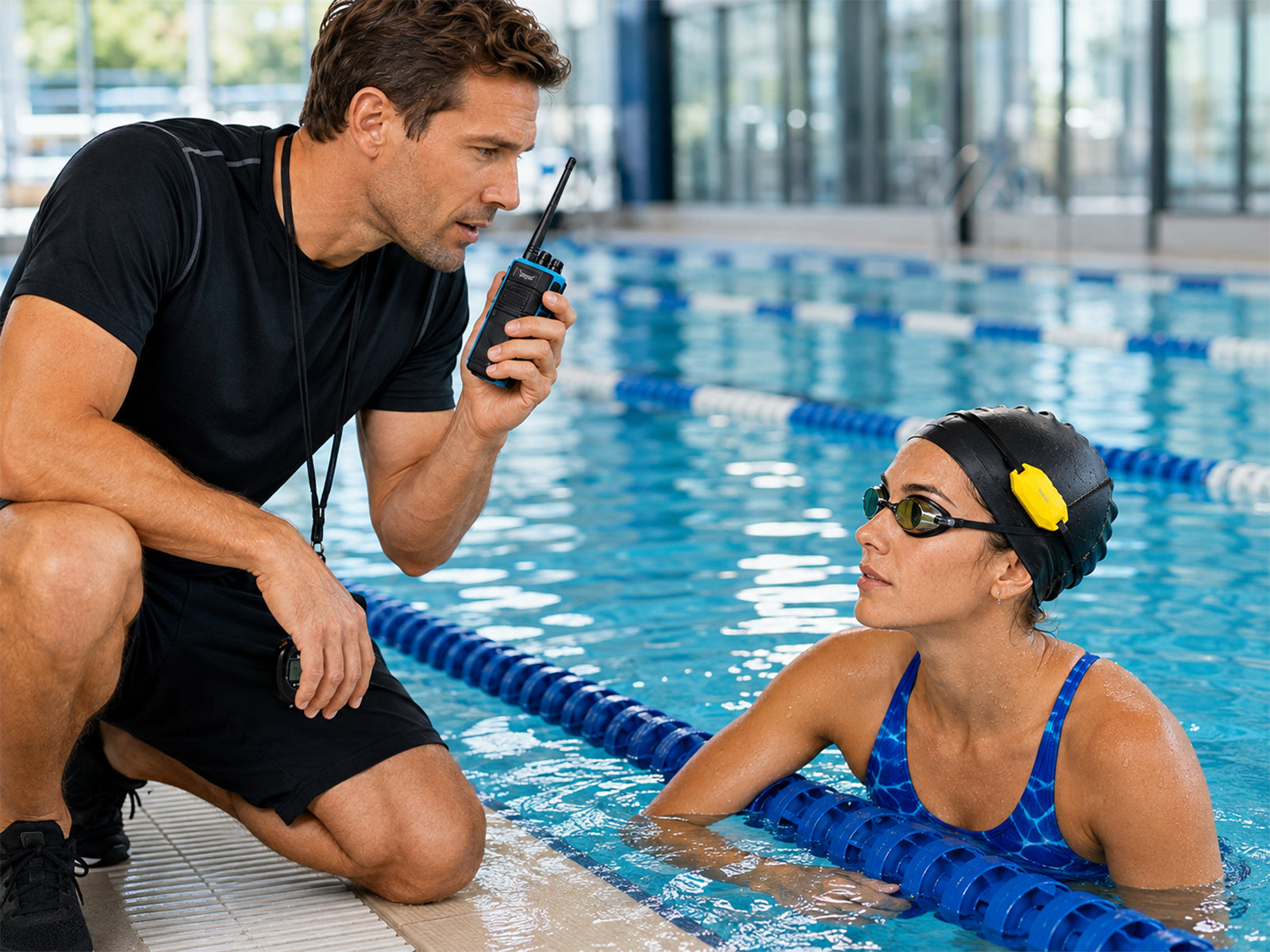
T6 is an FM-based music and flexible coaching system for private lessons and small groups. T8 is a dedicated long-range walkie-talkie coaching transmitter for W24T receivers and professional team training. View Coach Communicators.
Water in the ear canal creates extra noise. Waterproof earplugs reduce water noise and can improve perceived bone-conduction clarity underwater.
Fully extend the antenna, keep the phone close to T6, set the phone volume high, place T6 above surrounding obstacles and try another channel if needed.
Email cs@tayogo.com with the order number, product model and a description or video of the issue.
Visit the Tayogo Instruction Manuals & Setup Videos page for current models.