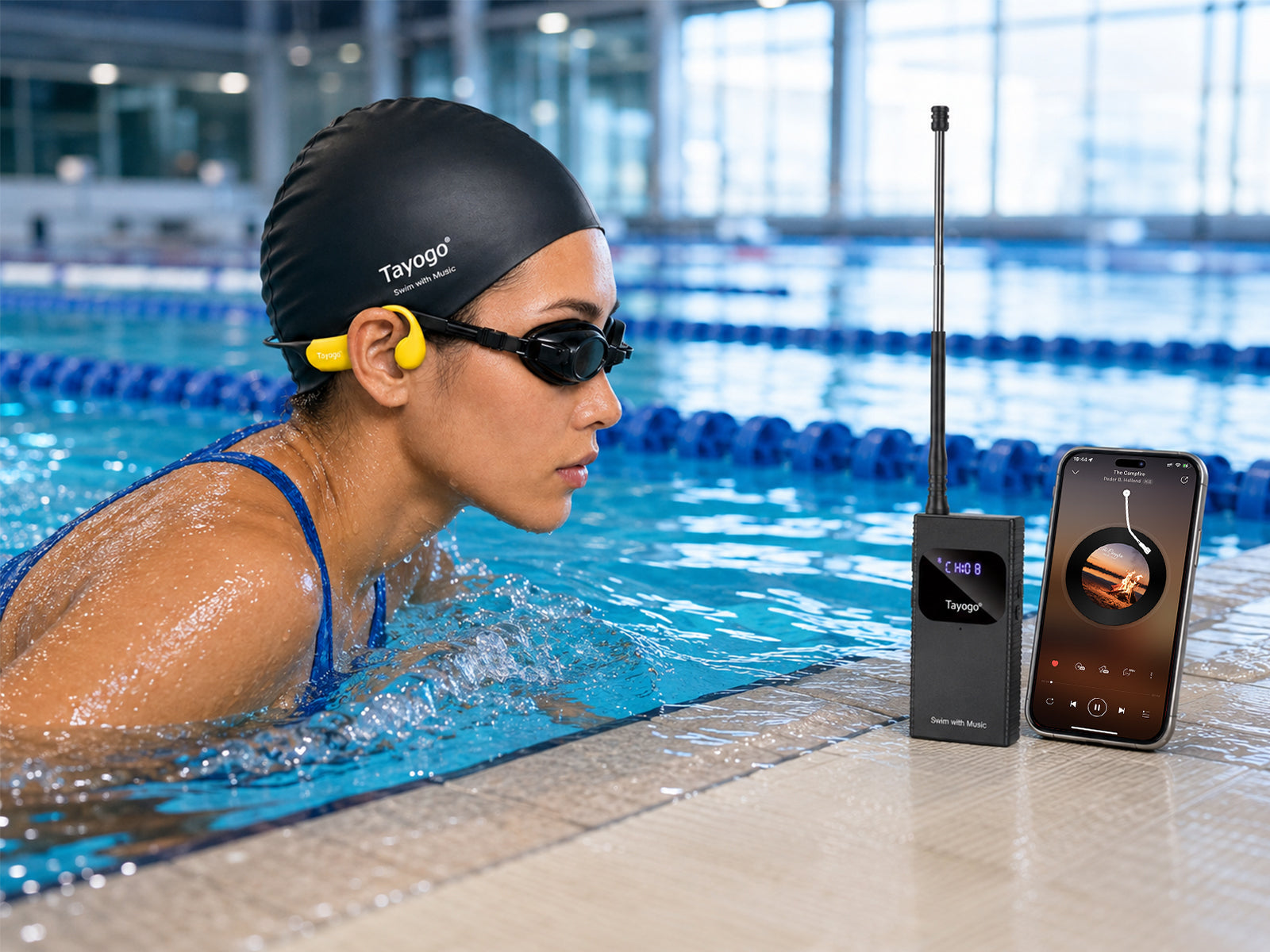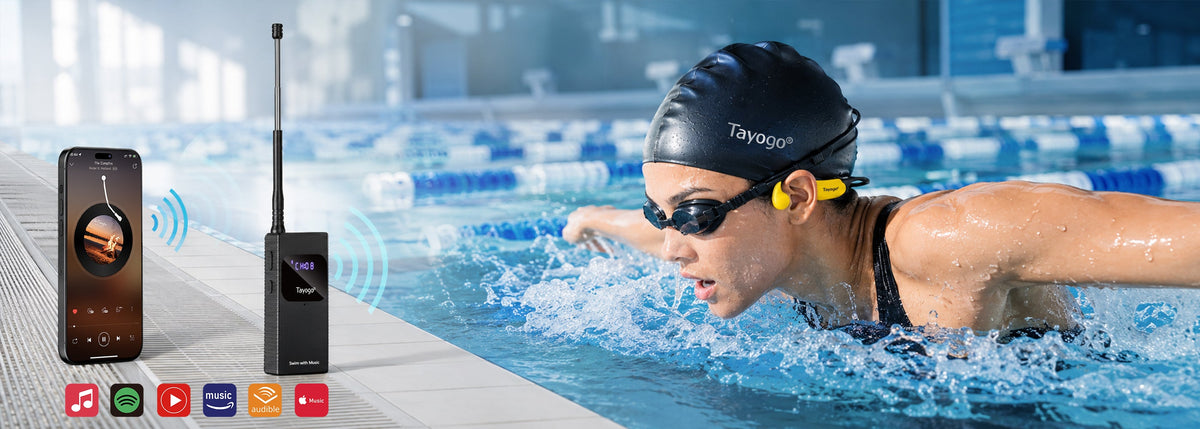
Para escuchar Spotify mientras nadas necesitas un sistema que lleve el audio hasta los auriculares bajo el agua. El Bluetooth convencional no mantiene una conexión fiable entre el móvil y unos auriculares sumergidos. Con Tayogo T6, el móvil se conecta al transmisor fuera del agua y este envía el audio a unos auriculares compatibles mediante radio.
Qué necesitas para escuchar música en la piscina
- Un móvil con Spotify u otra aplicación de audio.
- Un transmisor Tayogo T6 cargado.
- Auriculares de natación compatibles con la recepción del T6.
- Un lugar seco y estable junto a la piscina para el móvil y el transmisor.
La reproducción y las descargas dentro de Spotify dependen de tu cuenta, la aplicación y sus condiciones. El T6 transmite el audio del móvil; no modifica esas condiciones ni convierte las descargas de Spotify en archivos MP3.
Configuración paso a paso
- Coloca el equipo fuera del agua. Mantén el móvil y el T6 secos, en un lugar estable y protegido de salpicaduras. El T6 no debe sumergirse.
- Prepara la antena. Extiéndela y colócala vertical, siguiendo el manual. Evita obstáculos y superficies que dificulten la señal.
- Conecta el móvil al T6. Activa Bluetooth y realiza el emparejamiento indicado en el manual.
- Selecciona el canal. Configura el transmisor y los auriculares compatibles en el mismo canal o frecuencia, según el modelo.
- Inicia la reproducción. Abre Spotify y reproduce el contenido que desees. Ajusta el volumen a un nivel cómodo.
- Prueba la recepción. Comprueba el sonido antes de empezar la serie y ajusta la posición del transmisor si es necesario.
Qué pack Tayogo elegir
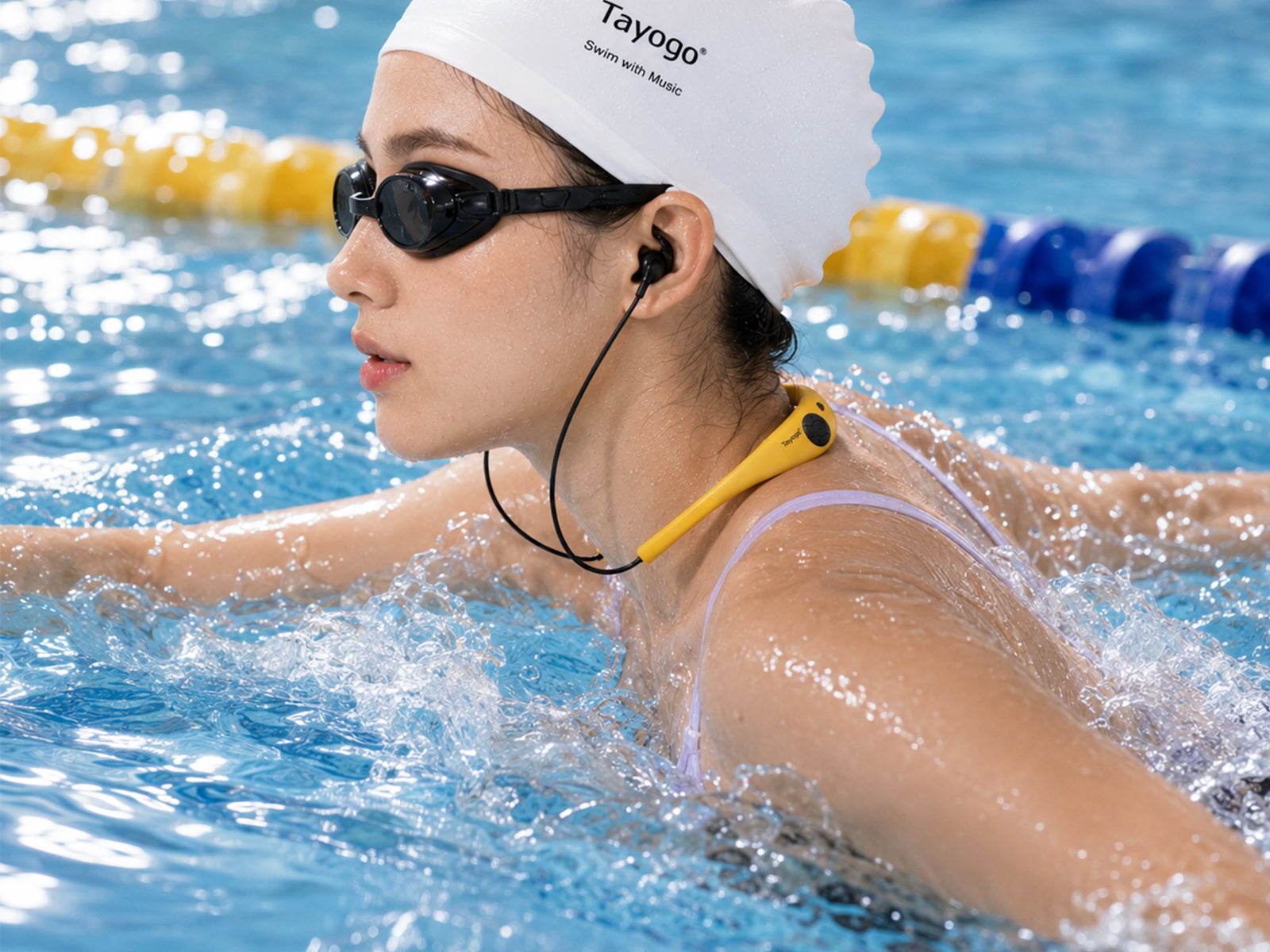
- T6 + W18: auriculares intraurales con almohadillas.
- T6 + W23: auriculares de conducción ósea.
- T6 + W24 Rock Pro: conducción ósea y ajuste flexible.
- T6 + W25: otra opción de conducción ósea para recibir audio del T6.
Comprueba siempre el modelo y la configuración exactos. La versión incluida en un pack puede tener funciones distintas de los auriculares vendidos por separado.
Spotify frente a archivos MP3
El streaming con T6 permite escuchar el audio que reproduce el móvil, incluidos música, audiolibros y pódcast. Un reproductor MP3 funciona de forma autónoma con archivos compatibles guardados en su memoria. Si quieres nadar sin transmisor, elige un modelo con memoria y confirma los formatos admitidos. No todos los auriculares ni todas las versiones de los packs incluyen almacenamiento.
Consejos para mejorar la recepción
- Mantén el móvil cerca del T6 y dentro del alcance Bluetooth.
- Coloca el transmisor en una posición elevada y despejada cuando sea posible.
- Comprueba que ambos dispositivos utilizan el mismo canal.
- Ten en cuenta que la profundidad, los obstáculos y las interferencias pueden reducir el alcance.
- Después de nadar, limpia los auriculares según su manual y seca completamente los contactos antes de cargarlos.
Preguntas frecuentes
¿Puedo dejar el móvil en la taquilla?
Solo si mantiene una conexión estable con el transmisor. Las paredes, los armarios y la distancia pueden interrumpir Bluetooth. La opción práctica es dejar el móvil y el T6 juntos en un lugar seco junto a la piscina.
¿El T6 se puede meter en el agua?
No. El transmisor T6 debe permanecer seco y fuera del agua. La resistencia al agua corresponde a los auriculares compatibles, conforme a las condiciones de cada modelo.
¿Necesito Spotify Premium?
Depende del contenido y las funciones que quieras utilizar en Spotify. Consulta las condiciones de tu cuenta. El sistema Tayogo reproduce la salida de audio del móvil.
¿Pueden escuchar varios nadadores a la vez?
Sí, varios receptores compatibles pueden recibir la misma señal del T6 si están configurados en el mismo canal.
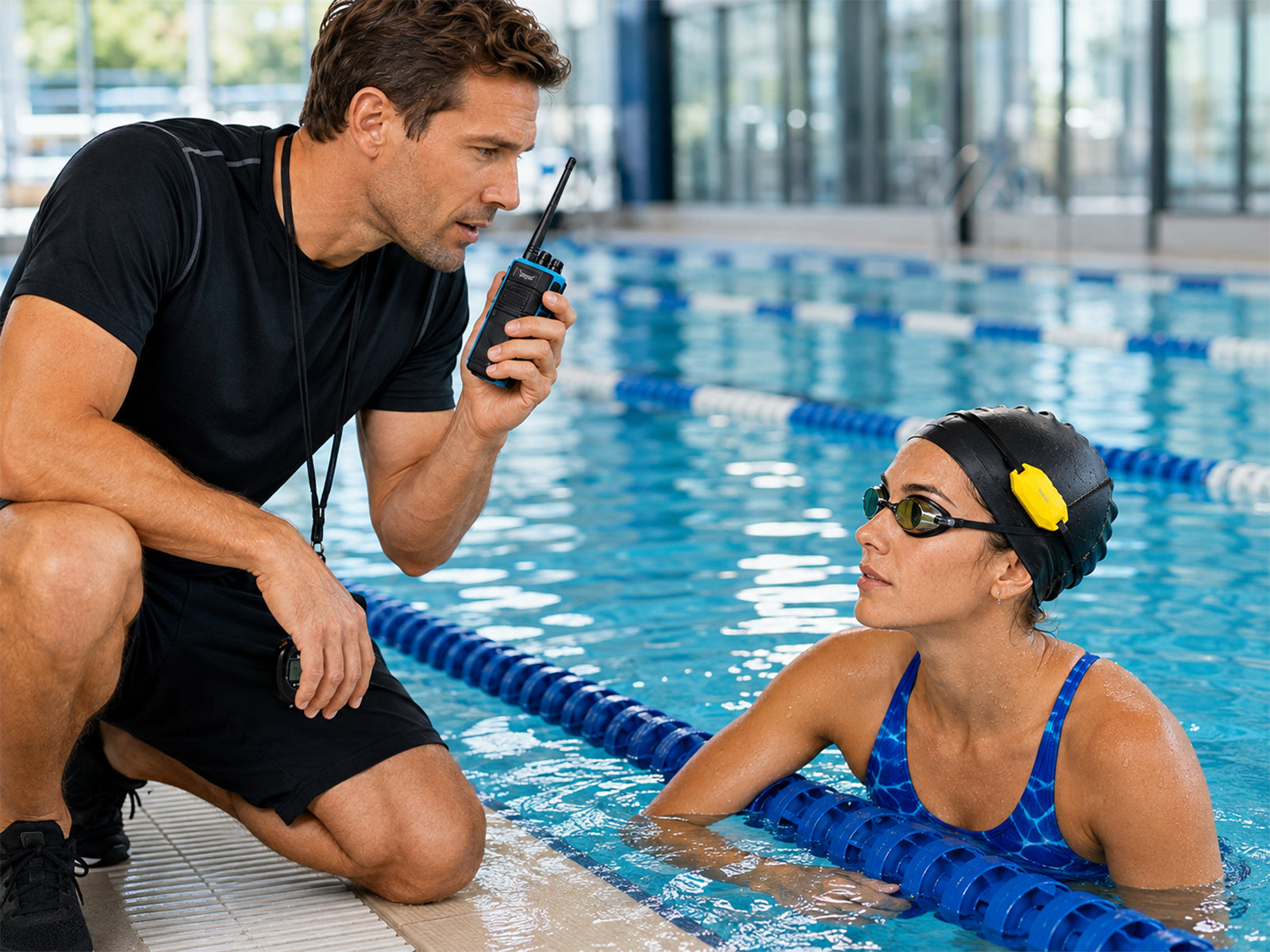
¿También sirve para recibir indicaciones del entrenador?
El T6 admite comunicación de voz con los accesorios compatibles. Para clases o equipos, compara los packs de entrenamiento y el sistema T8 + W24T. La comunicación con los nadadores es en un solo sentido.